Blog
MyDesigns vs. Mockup Maestro: Which Is Best for POD Scaling in 2026?
A workflow-first comparison for Printify, Etsy, and Shopify sellers: bulk mockup speed, listing consistency, and automation.
If you are searching for print-on-demand tooling to scale your shop this year, you have likely encountered MyDesigns. It is a heavy hitter in the industry and popular for a reason.
Category: POD Tools & Automation
However, a common mistake scaling sellers make is assuming “most features” equals “best workflow.”
In 2026, the game is not just about having tools. It is about velocity. This comparison is written specifically for Printify, Shopify, and Etsy sellers who care about two metrics:
- Publishing volume: How many high-quality listings can you launch per week?
- Listing quality: Are your images consistent, professional, and optimized?
We are going to break down the differences between the “Swiss Army Knife” approach of MyDesigns and the “Specialized Launch Engine” approach of Mockup Maestro.
At a glance: the core difference
| Feature | MyDesigns | Mockup Maestro |
|---|---|---|
| Primary goal | Diverse file management and general editing | High-speed listing automation |
| Learning curve | High (complex UI) | Low (intuitive dashboard) |
| Mockup workflow | Canvas-style editor | Bulk mockup generator |
| Best for | Tech-savvy users who want total manual control | Sellers scaling to 100+ products per month |
| Printify sync | Standard integration | Deep Printify automation |
1. Where MyDesigns shines (the “do it all” approach)
MyDesigns positions itself as an all-in-one management suite. It effectively combines a cloud drive (like Google Drive) with bulk editing tools.
It is a strong choice if:
- You want to manage your raw design files within the same platform you use for publishing.
- You enjoy tweaking individual listing data manually.
- You are comfortable navigating complex menus to set up workflows.
The downside: the “jack of all trades” problem. Because it tries to do file hosting, image generation, and listing management, the interface can feel cluttered. Simple tasks like pushing a shirt to Etsy can require multiple tabs and redundant clicks.
2. Where Mockup Maestro wins (the “launch control” approach)
Mockup Maestro was built to solve a specific problem: the busywork bottleneck.
When you are trying to upload 50 new designs a week, you do not need a file hosting service. You need a factory line. Mockup Maestro focuses entirely on speed, consistency, and removing human error.
The Mockup Maestro workflow
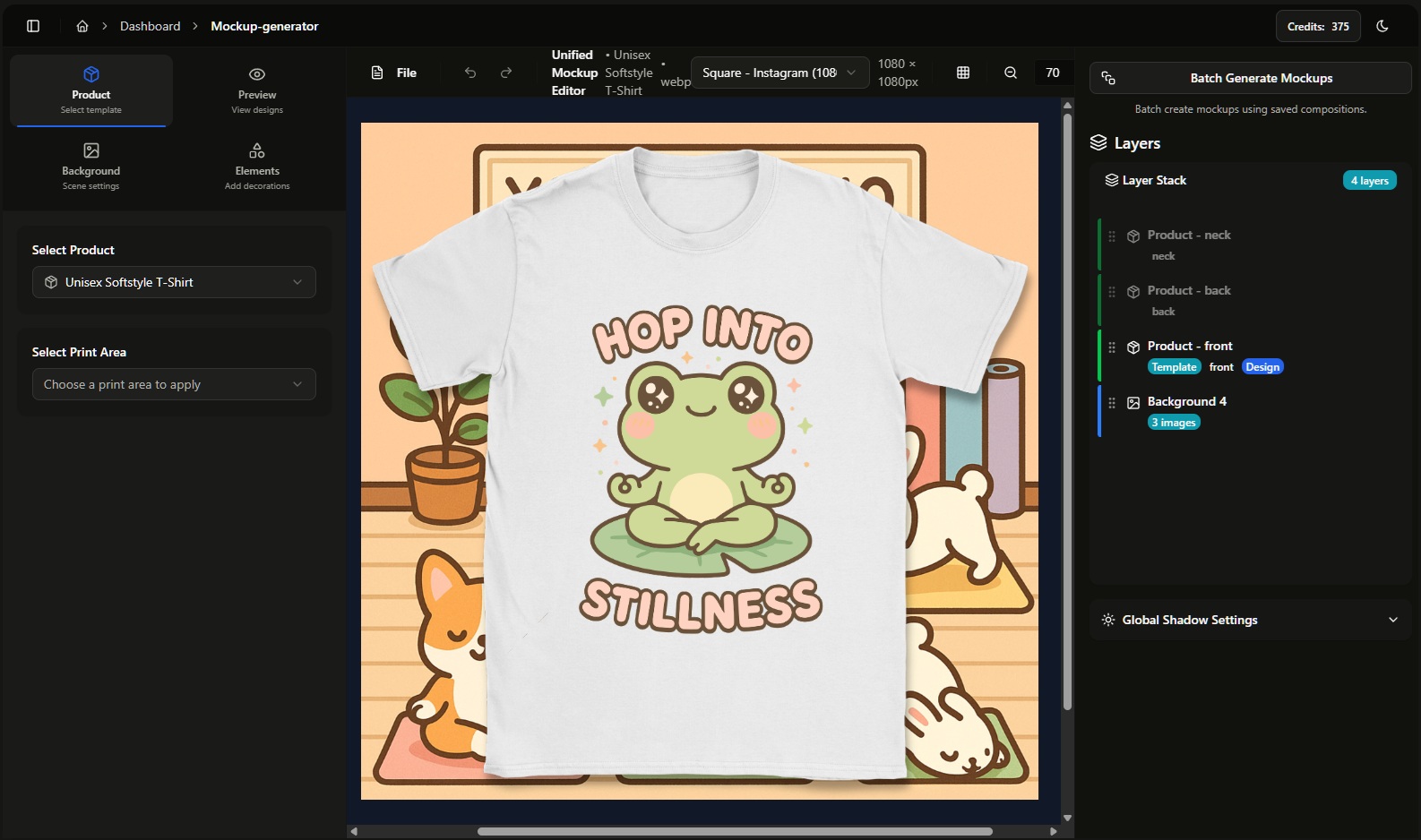
Instead of editing listings one by one, Mockup Maestro uses a Template Master system:
- Create once: Define your shirt brand (for example Bella+Canvas 3001), sizes, colors, and profit margins.
- Batch apply: Drag and drop 50 design files.
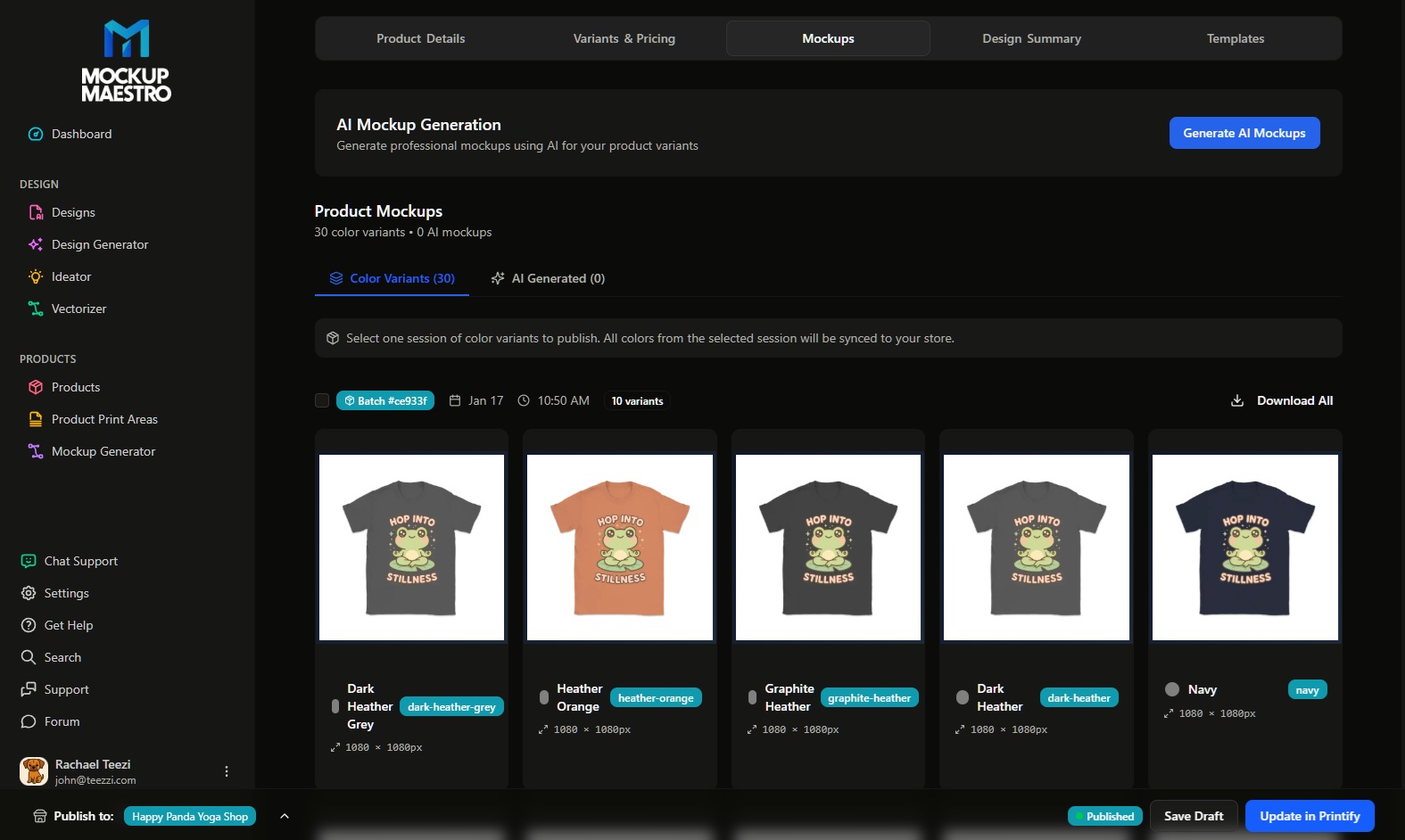
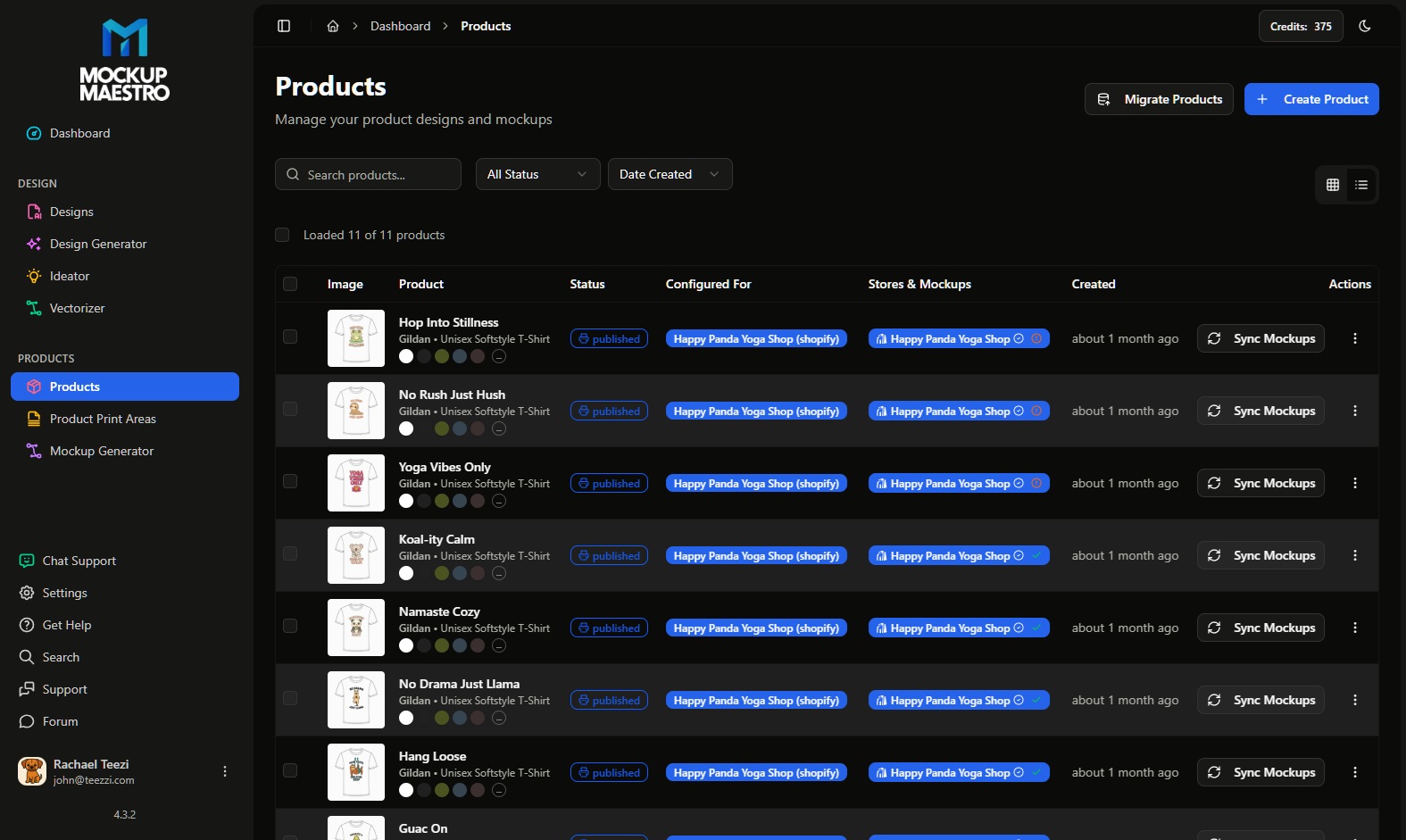
- Sync: The system maps designs to the right color variants (for example, placing dark designs on light shirts automatically) and pushes everything to Printify.
If your current bottleneck is creating listing images, start here with our Bulk Mockup Generator.
3. The consistency test: why “good enough” hurts sales
For Etsy sellers, the quality of your listing photos is your conversion rate.
A common issue with complex tools is that it is easy to make mistakes. One listing has a slightly different zoom level; another has the design placed too low. When a customer views your shop home page, it looks messy.
Mockup Maestro prioritizes the “collection look.” By using saved scene templates, you ensure every product in your collection shares the exact same lighting, crop, and resolution:
- No inconsistent spacing.
- No missing color variants.
- No low-res uploads (automatically flagged by our DPI checker).
4. The 10-minute speed challenge
Do not take our word for it. The fastest way to decide which tool fits your business model is to run a timed test.
The experiment:
Take 3 existing designs and try to create listing images for them (main image plus 2 detail shots), then prepare them for export.
With Mockup Maestro:
- Select your pre-saved T-Shirt Template.
- Drag in all 3 designs.
- Click Generate.
Result: all variants, sizes, and mockups are ready in under 2 minutes.
With other tools:
- Upload designs.
- Select mockups manually.
- Resize.
- Download.
- Re-upload to Printify.
Result: often 15+ minutes of manual clicking.
Then ask yourself: “If I had to do this for 50 designs this weekend, which tool would make me quit?”
If your goal is high-volume publishing without burnout, the answer is usually Maestro.
Verdict: how to choose for 2026
The market has shifted. In 2024, managing files was enough. In 2026, automation is the standard.
Choose MyDesigns if: you are a tech enthusiast who wants a heavy database to manage every aspect of your raw files and do not mind a slower publishing workflow.
Choose Mockup Maestro if: you are an Etsy or Shopify seller whose primary goal is to sell more products. If you want to turn a folder of designs into live products in minutes, not hours, Maestro is purpose-built for you.
Ready to automate your busywork?
Stop fighting with clunky software. Streamline your shop with Mockup Maestro.