

Automated Color Variant Mapping & Sync.
Stop manually linking mockup images to Shopify color variants. Automatically route light and dark designs to the right fabric colors, assign mockups to Shopify variants with zero clicks, and prioritize your best-sellers so they show up first.
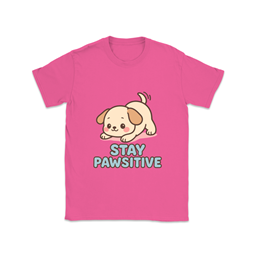
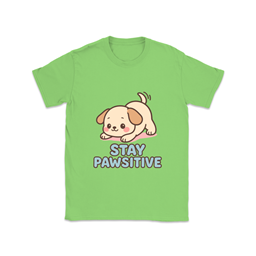
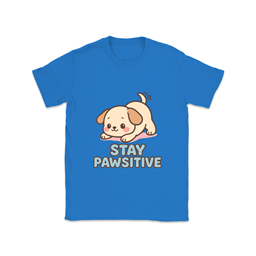
The "Manual Linking" Nightmare
When you push products from Printify to Shopify the traditional way, your mockup images just dump into a gallery. To make your storefront work, you have to manually open up each listing, click the tiny image icon next to the "Black" variant, assign the black shirt mockup, and repeat for every single color, on every single product.
Time Sink: Hours of clicking weekly.
You define your logic once. We apply your design alternates to the matching garment colors, and when you hit publish, our engine automatically assigns the generated mockups to the correct color variants in Shopify.
Result: 100 products mapped perfectly.
How the Mapping Engine Kills the Variant Cleanup
Set the pairing rules once, route alternates by garment tone, and control storefront order without reopening every Shopify listing by hand.
Auto-Variant Image Assignment
This is the feature that gives you your nights and weekends back. Shopify Mockup Sync automatically assigns each generated mockup to the matching color variant, so when a shopper clicks Royal, they actually see the Royal mockup instantly. No manual linking pass required.


Smart Alternates
Never upload dark artwork onto dark garments again. Save a light-ink version and a dark-ink version once, and Mockup Maestro reads the garment tone to route the correct artwork automatically. Override it if you need to, but the default logic keeps your catalog clean.
Master Sort Order
Alphabetical color order rarely matches what sells. Drag your best performers to the top, save that order once, and Shopify will lead with Black and Navy before lower-volume edge colors. Your storefront looks merchandised instead of random.

Built by a Seller, For Sellers
"When I transitioned into print-on-demand to pay the bills, I honestly thought the manual uploading would break me. The most soul-crushing task wasn't designing—it was opening dozens of Shopify listings every day just to manually link a black t-shirt mockup to the 'Black' dropdown variant. It took hours.
I built this mapping tool alongside my dog, Tina, because I didn't want to spend my life doing repetitive data cleanup just to make a dropdown menu function properly. You shouldn't have to, either."
— John & Tina (The Rhodesian Ridgeback)
Ready to Automate Your POD Workflow?
Stop spending hours on manual uploads and variant linking. Push 100 products to Shopify in minutes — get started today.