

Guides
7 Best Websites Like Placeit: Free & Paid Alternatives for 2026
Compare 7 free and paid Placeit alternatives that speed up POD mockup creation, batch workflows, and store publishing.
Top Mockup Generator Alternatives for POD Sellers
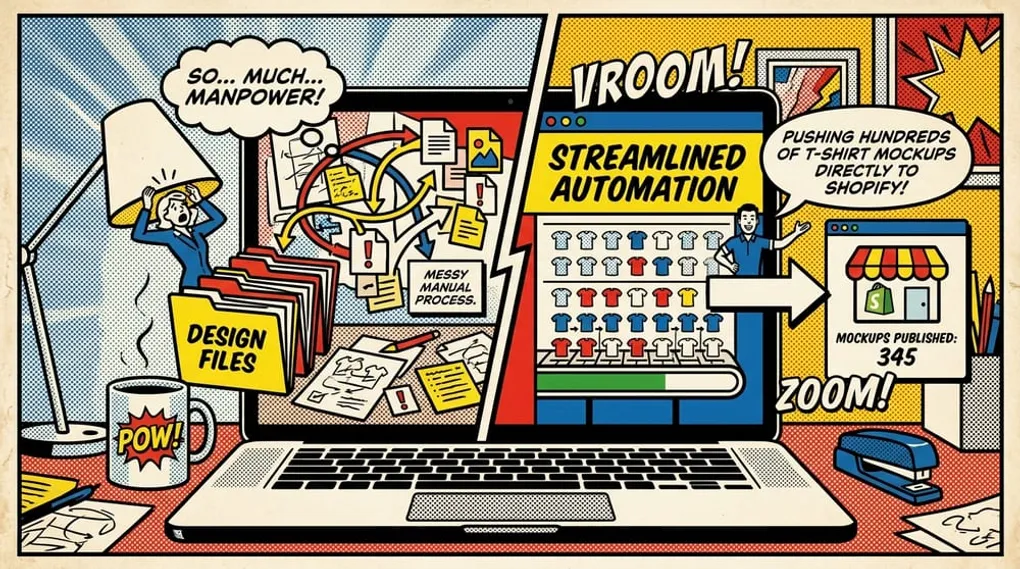
Placeit is a popular library for mockups, but if you’re a high-volume Print-on-Demand (POD) seller, you likely hit its biggest wall: manual work. You download a design, upload it to Placeit, adjust it, download the mockup, and then manually push it to your Shopify or Etsy store. That flow is fine for a handful of products, but when you’re launching hundreds of new listings, it becomes a massive bottleneck. You don’t just need a cheaper tool; you need a workflow that reclaims your time.
This guide helps you choose the right mockup generator for 2026. We break down the 7 best websites like Placeit—categorized by cost, automation features, and niche focus—so you can pick the platform that actually scales with your store.
Quick Summary
POD sellers who need more than a template library should prioritize bulk automation and direct store integration. While Placeit is a household name, dedicated workflow platforms like Mockup Maestro, Kittl, or Canva provide vastly different advantages depending on whether the priority is design aesthetics, cost savings, or total workflow automation.
| Tool Name | Best Use Case | Pricing |
|---|---|---|
| Mockup Maestro | Best for POD workflow automation and batch mockup generation | Free to start; paid plans vary by credits and features |
| Kittl | Best for typography-heavy design work and stylish merch graphics | Free tier available; paid plans start around $15/month |
| Canva | Best all-in-one freemium design and mockup workflow | Free tier available; Canva Pro starts around $14.99/month |
| Smartmockups | Best for realistic lifestyle and device mockups | Included with Canva Pro or available via Canva plans |
| Mediamodifier | Best for teams that want API access and manual creative control | Paid plans start around $19/month |
| Vexels | Best for merch sellers who also want ready-made design assets | Paid plans typically start around $14.50/month |
| Mockup Mark | Best for simple apparel-only mockups with a lightweight interface | Paid plans start around $19.99/month |
Why Standard Mockup Tools Become a Bottleneck
When you first launch a POD business, manual tools feel natural. You pick a t-shirt template, place your design, and save the image.
But as your catalog grows, that process breaks. Think about the math. If you launch 20 designs a week, and each needs three lifestyle mockups, that’s 60 manual uploads and downloads. Add in variant mapping for different colors, and you’re spending hours on data entry instead of design creation.
You also run into DPI problems and realism limits. When you rely entirely on static, template-based generators, your listings look exactly like thousands of other stores. Modern POD requires speed, but it also demands creative control. You need an environment where design, product setup, and mockup generation live in one place.
The 7 Best Websites Like Placeit
We categorized these alternatives based on where they excel: automation, free access, aesthetic quality, or an all-in-one approach. Note that pricing changes frequently, so always check their current plans before committing.
1. Mockup Maestro (Best for Workflow Automation)
If you’re running your store on Shopify or Etsy and routing fulfillment through Printify, Mockup Maestro is built specifically for you. We didn’t just build another mockup library; we built a dashboard application that helps creators go from design ideas to publish-ready products in one workflow.
Instead of tool-hopping, you can upload designs, manage product images, and use our unified mockup editor right inside the app. If your account has batch mockup generation enabled, you can submit multiple products at once. This shifts your workflow from manual file juggling to a streamlined, queue-based system. You can even check the Printify automation workflow to track jobs and retry any failures.
Pros:
- Guided onboarding gets you from signup to your first product quickly.
- Unified mockup editor with batch capabilities (when enabled on your plan).
- Direct Shopify and Printify integration context for a cleaner workflow.
Pricing: Check our pricing page for the latest tiers and credit limits.
2. Kittl (Best for Design and Aesthetic)
Kittl is a powerhouse if your focus is typography and vintage design styles. While Placeit relies heavily on photo realism, Kittl gives you incredible creative control over the actual artwork before applying it to a mockup.
Pros:
- Incredible template library for t-shirt designs.
- Built-in design editor is much stronger than Placeit’s.
Cons:
- Mockup library isn’t as expansive as dedicated mockup platforms.
- Lacks deep bulk automation for pushing to Shopify.
3. Canva (Best All-in-One Freemium Tool)
Canva is the default design tool for millions, and its Smartmockups integration makes it a very viable Placeit alternative. If you already pay for Canva Pro, you might not need another subscription.
Pros:
- You likely already know how to use it.
- Huge asset library for social media marketing.
Cons:
- Mockups can look a bit generic if you don’t customize the backgrounds.
- Manual workflow. You still have to download and upload images individually.
4. Smartmockups (Best for High-Volume Realism)
Acquired by Canva, Smartmockups still operates as a standalone tool for many users. It focuses heavily on lifestyle photography and tech mockups.
Pros:
- Massive library of high-quality, realistic scenes.
- Integrations with tools like Figma and Canva.
Cons:
- Pricing can feel steep if you only need apparel mockups.
- Doesn’t offer the product-publishing pipeline a POD seller needs.
5. Mediamodifier (Best for API & Manual Control)
Mediamodifier is excellent if you want clean, professional mockups and marketing assets. They also offer a Mockup API, which is great if you run a custom-built storefront and have developer resources.
Pros:
- Fast, browser-based editor.
- API access for teams that want to build their own automation.
6. Vexels (Best for Merch and Apparel Focused Sellers)
Vexels is geared specifically toward the merch community. They offer print-ready designs, scalable vectors, and a solid mockup generator built for t-shirt sellers.
Pros:
- Great resources for Amazon Merch and standard POD.
- Includes a transparent background option for easy composite building.
7. Mockup Mark (Best for Simple Apparel Mockups)
If you only sell t-shirts and hoodies, Mockup Mark is a lightweight alternative. They focus entirely on apparel, making it easy to find lifestyle shots quickly.
Pros:
- Hyper-focused on apparel.
- Simple, no-clutter interface.
Critical Feature Comparison: Bulk Automation vs. Manual
When evaluating these tools, look past the monthly subscription fee. Look at your cost-per-mockup in terms of labor. If a tool costs $15 a month but requires 20 hours of manual data entry, it’s significantly more expensive than a $50 tool that automates the sync to your store. According to discussions on Etsy Community Forums, sellers frequently cite manual listing creation as their number one growth hurdle.
You also need to watch for AI trends. AI-integrated background removal and scene generation are becoming standard. This allows you to generate a clean PNG and place it into a dynamically generated lifestyle scene. It gives you the realism of Placeit without the repetitive look.
Finally, consider security. When you upload your proprietary designs to smaller or newer platforms, check their IP policies. Ensure you retain full rights to your uploaded artwork and generated assets.
Decision Matrix for Selecting the Right Tool
How do you choose? Base it on your monthly unit sales and operational complexity.
- Under 50 sales/month: Stick to free tools like Canva or Kittl’s free tier. Your priority is keeping overhead low while testing designs.
- 50 - 200 sales/month: You need speed. Tools with unified editors and clean interfaces start to pay for themselves.
- 200+ sales/month: You need a product setup and publishing workflow. You need tools like Mockup Maestro that allow you to check upload queues, handle variant mapping, and keep everything in a centralized settings hub.
How to Seamlessly Migrate From Placeit
Switching providers for a store already active on Shopify or Etsy feels risky, but it doesn’t have to break your brand consistency.
First, don’t delete your old mockups. Keep your existing listings intact.
Second, define your new visual standard. Choose two or three core mockup styles in your new tool—like a flat lay, a lifestyle shot, and a detail shot. Use these exact templates for your next batch of 20 products.
Third, test the workflow integration. If you move to an integrated system, run a small batch test. Upload a design, generate the mockups, and push the product to your store. Make sure the variant mapping works and the DPI holds up. Once you confirm the workflow is faster, roll it out for all new designs. You can slowly update your top-performing older listings over time.
Ready to Automate Your POD Workflow?
Create your first batch of products with Maestro. Free includes bulk and batch tools for up to 10 products, with a lower AI allowance. Upgrade when you need more capacity.
Frequently Asked Questions
Are there any truly free alternatives to Placeit?
Yes, tools like Canva and Kittl offer free tiers. However, these “free” versions often include watermarks or restrict access to premium templates. Always clarify if a platform offers a truly free tier or just a time-limited free trial.
Can I automate mockup creation for Shopify?
Yes. Using tools with batch processing or direct Shopify connections, you can queue up product edits and generate multiple mockups without downloading files to your desktop.
What is the best alternative for high-volume POD sellers?
High-volume sellers need workflow tools, not just image generators. We recommend platforms that centralize design uploads, support unified mockup editors, and track publishing status so you aren’t managing your catalog from a messy spreadsheet. Check out our bulk mockup generator features to see how an integrated pipeline works.
Next steps
Related workflow pages
Turn this guide into a working production path inside Mockup Maestro.
Bulk mockup generator for Printify
Create consistent lifestyle mockups across large batches without manual downloads.
Custom Printify mockup generator
Build reusable mockup scenes and batch-render branded product visuals.
Mockup catalog
Choose product-specific mockup workflows for apparel, mugs, stickers, and more.
Sync Printify mockups to Shopify
Map the right mockup to each Shopify variant and reduce storefront cleanup.
