Repeated setup
Every product repeats decisions about providers, variants, print areas, product details, and store output.


Printify automation
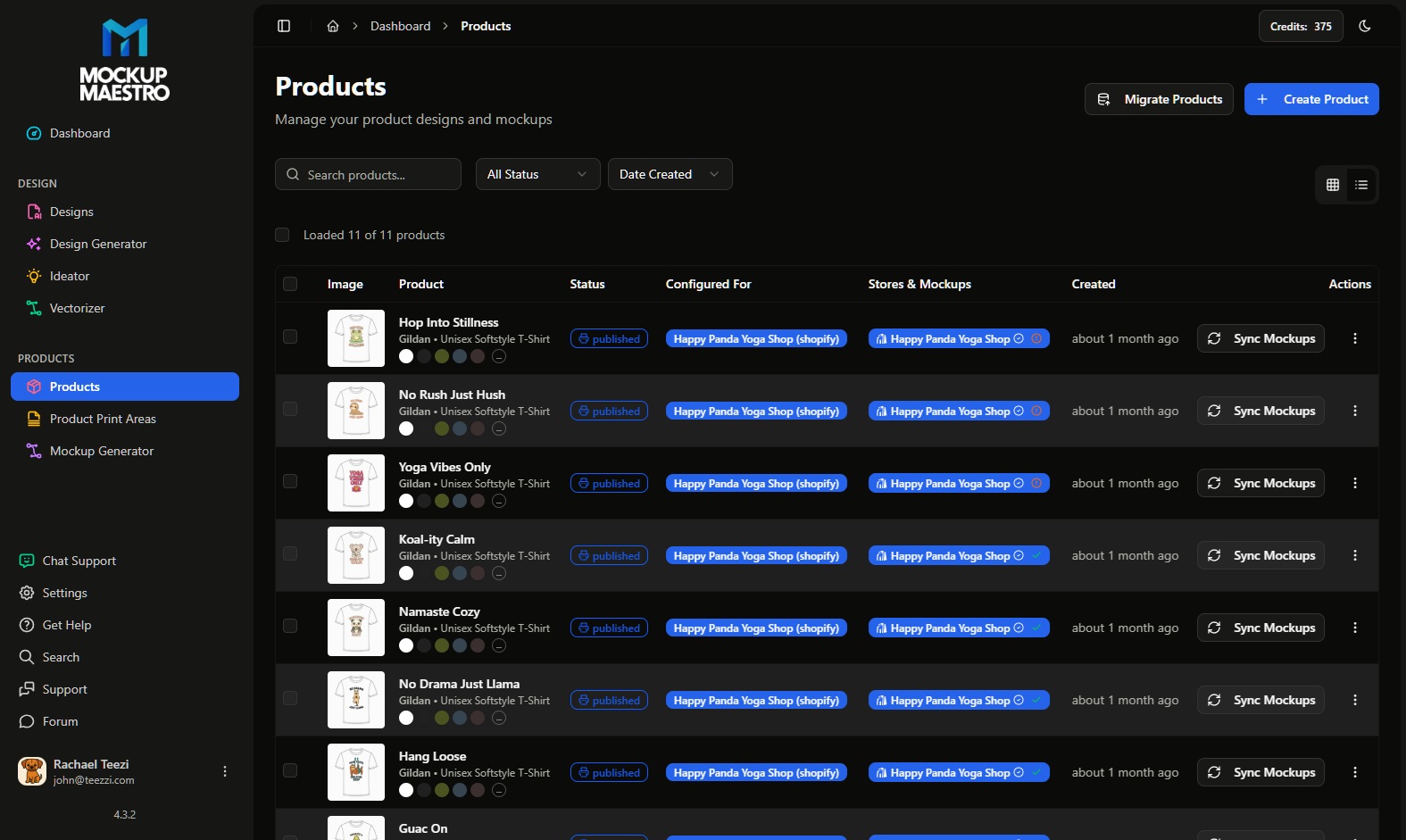
Mockup Maestro helps POD sellers connect designs, templates, product setup, bulk mockups, and publishing status into a clearer Printify Shopify integration workflow.
The operations problem
One product can be managed by hand. A weekly batch of real designs needs repeatable setup, clear job status, and a way to recover when a product or publishing step fails.
Every product repeats decisions about providers, variants, print areas, product details, and store output.
Mockups and product images need to stay aligned with the product and variant experience shoppers will see.
When a batch fails silently, automation turns into detective work. Status and retries are part of the product.
Workflow
Move from design files into product creation with guided choices for templates, providers, variants, and publish readiness.
Prepare product images and listing visuals inside the same operating path. Batch mockup submission is available when enabled for the account.
Track what is pending, processing, published, failed, or cancelled so failed jobs become visible work instead of hidden cleanup.
Use Shopify-aware workflows to keep the store-side product experience closer to the images, variants, and product data shoppers see.
For serious sellers
The strongest fit is a seller who already has designs, uses Printify, and treats Shopify as a serious revenue channel. At that stage, the bottleneck is not inspiration. It is execution.
Printify automation should help you repeat the work: upload designs, configure products, prepare media, publish, monitor, and recover from failures.
Next steps
Create Printify-ready products from repeatable templates, designs, providers, and variants.
Generate product images in batches before syncing the right mockups to the right Shopify variants.
Keep product imagery aligned with the variant experience shoppers see inside Shopify.
Compare Free, Premium, product costs, shipping, software, and labor by cost per successfully published product.
Use margin math, samples, publishing cost, and workflow drag to decide whether Printify is the right Shopify path.
Ready to test it?
Connect Printify and Shopify, upload real designs, create products, and measure how much manual cleanup remains after the publish path.