Product setup
Create a batch together
Choose your product settings once and apply them to your designs. You do not need to set up every product separately.


POD automation software
Upload your designs, create a batch of Printify products, and generate their mockups. Sync the images to Shopify with the color variants matched.
Product setup
Choose your product settings once and apply them to your designs. You do not need to set up every product separately.
Product images
Send your mockups to Shopify with each image assigned to its matching product color.
Publishing
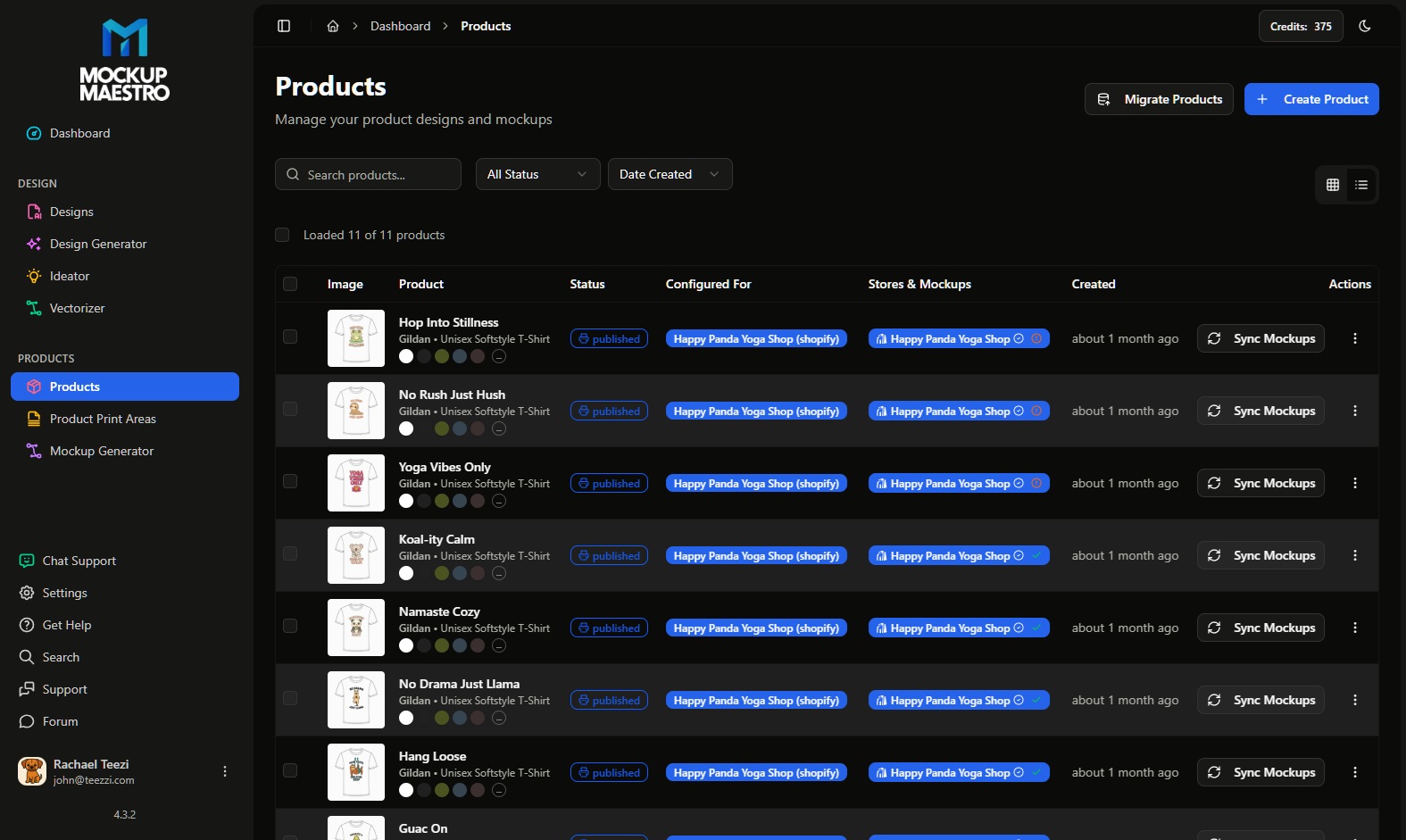
See which products are published and which still need attention, without opening every listing to check.
Workflow
Use the same product settings and mockup layout across your designs, then publish the products to your store.
Connect your Printify account and store so you can create products and send their images to your listings.
Upload your artwork together. Use the design generator or vectorizer when you need to create or prepare a file. AI usage limits depend on your plan.
Choose your product, print provider, colors, sizes, and prices. Apply the saved setup to your next designs.
Arrange your mockup once, then generate images for a batch of products. Match each image to its Shopify color variant.
See which products have finished publishing and which need attention. Check the finished listings in your store.
Product path
Create Printify-ready products from repeatable setup choices and keep product creation closer to the publishing path.
Coordinate Printify product creation, templates, mockups, and status-driven publishing workflows.
Keep product imagery aligned with the variant experience shoppers see inside Shopify.
Organize design intake and route alternate artwork versions before products reach the store.
Getting started
Free includes bulk and batch access for a maximum of 10 products, with a lower AI allowance. Create a batch, check the listings in your store, and upgrade when you need more products or AI usage.
Shopify software stack
Shopify runs the storefront, Printify handles fulfillment, and workflow software should reduce the production drag between finished designs and clean Shopify products.
Shopify owns the buying experience: product pages, checkout, collections, customer data, and conversion work.
Printify is the fulfillment path for products, providers, orders, and shipping choices after the customer buys.
Mockup Maestro helps with product setup, mockups and media, publishing status, retries, and repeatable launch operations.
Comparison criteria
Compare by workflow. A broad workspace can be useful when your team uses the breadth. A focused automation tool is better when the production bottleneck is getting finished designs through Printify, mockups, Shopify output, and status checks.
FAQ
Start with repeatable product setup, mockup and media handling, store publishing, status visibility, and retries. Those are the steps that usually block scale after designs are ready.
It can help newer sellers, but the strongest fit is a seller with real designs, a Printify workflow, and a Shopify store where manual cleanup is already costing time.
Track successfully published products, failed jobs recovered, manual Shopify fixes avoided, and time from design upload to publish-ready product.
No. AI generation, vectorization, mockup generator access, and batch mockup submission can depend on account feature access. Check your account and plan before relying on a specific workflow.