

Guides
Is Printify Worth It for Shopify Sellers?
Decide whether Printify is worth it for a serious Shopify print-on-demand business with margin math, workflow costs, automation signals, and a five-product test.
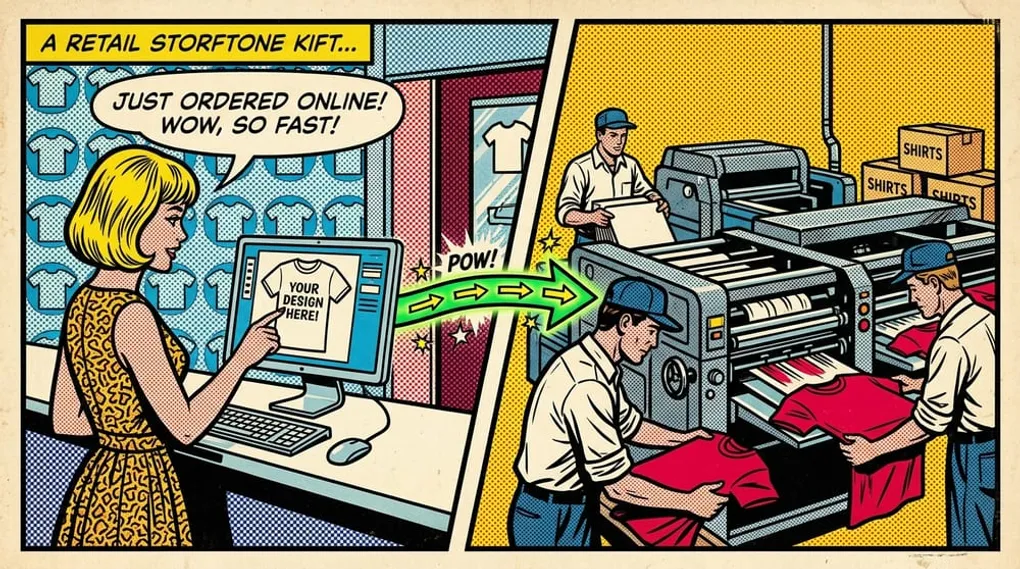
Quick answer: Printify can be worth it for Shopify sellers when your product margins, provider quality, shipping expectations, and publishing workflow all hold up under real orders. It is less compelling if you only want a free mockup tool, if your product costs leave no margin, or if manual setup keeps you from publishing consistently.
For a serious print-on-demand operator, the question is not “is Printify free?” The better question is “can this stack help us publish profitable Shopify products at a repeatable cost?”
As of May 22, 2026, Printify’s public pricing page presents a Free plan and a paid Premium plan, and Printify says its platform can be used without upfront platform fees. Product and shipping costs still apply when you order samples, create manual orders, or fulfill customer orders. Verify current plan details on the official Printify pricing page and Printify Premium help article before making decisions.
Key takeaways
- Printify is worth considering when you want a low-inventory way to test Shopify POD products.
- Your actual profit depends on product cost, shipping, retail price, provider choice, refunds, taxes, ad costs, and Shopify fees.
- Printify Premium is optional; evaluate it with your own order volume and product mix.
- Manual product creation has a cost even when the platform starts free.
- Automation matters when it reduces cost per successfully published product, not just cost per mockup.
When Printify is worth it
Printify is usually worth testing when you have real designs, a Shopify store you are willing to operate, and a process for checking product quality before scaling.
It tends to make the most sense when:
- You want to avoid buying inventory before validating demand.
- You can price products with enough margin after product cost and shipping.
- You are willing to order samples before pushing a product hard.
- You understand that provider selection affects cost, shipping speed, product quality, and customer experience.
- You have a weekly publishing rhythm, not just a one-time product idea.
- You can connect Printify to Shopify and maintain clean product pages, images, variants, and fulfillment settings.
The strongest use case is not a seller who wants to play with free mockups. It is a seller with designs, a niche, a storefront, and enough discipline to test products in small batches before scaling the winners.
When Printify is not worth it
Printify is not automatically the right answer for every Shopify seller.
It may not be worth it when:
- Your target product has weak margins after fulfillment and shipping.
- Your customers expect delivery times or packaging control that your chosen provider cannot support.
- You are selling products where quality consistency is more important than fast catalog testing.
- You do not have a realistic traffic, SEO, email, or paid acquisition plan.
- You are comparing only monthly platform cost and ignoring your own labor.
- You need a fully custom manufacturing relationship instead of print-on-demand fulfillment.
Printify also will not fix a weak offer. A bad design, vague niche, poor product page, or expensive ad funnel can lose money even if the fulfillment platform works exactly as expected.
Shopify economics: the margin test
Before deciding whether Printify is worth it, run the math on a few real products.
Use this order-margin formula:
retail price - product cost - shipping subsidy - Shopify and payment fees - ad cost - refunds/returns allowance = estimated contribution profit
Then run the publishing-cost formula:
(software costs + labor cost + setup time + cleanup time) / successfully published products = cost per published product
These are different numbers. The first tells you whether an order can make money. The second tells you whether your operation can publish enough clean products to find winners.
If contribution profit is weak, fix product selection, pricing, provider choice, or acquisition cost. If contribution profit is good but products are slow to publish, workflow becomes the bottleneck.
For a deeper cost model, read the Printify pricing and Premium guide.
The Premium question
Printify Premium should be treated as a break-even decision, not a status badge.
As of May 22, 2026, Printify describes Premium as a paid subscription with benefits such as product discounts on eligible catalog items, more connected stores than the Free plan, and other account benefits. The exact price, discount structure, and benefit list can change, so check Printify directly before upgrading.
Use this formula:
monthly Premium cost / average savings per fulfilled order = orders needed to break even
If your order volume is too low or your products do not benefit much from the discount, Free may be enough while you validate the store. If your order volume is steady and the discount materially improves margin, Premium deserves a closer look.
Automation and workflow cost
Many Shopify POD sellers misread the cost problem. They ask whether Printify is cheap enough, but the real constraint is often the time between “design is ready” and “finished product is live in Shopify.”
Workflow drag shows up as:
- rebuilding the same product setup repeatedly
- manually replacing or checking product images
- publishing a batch and then hunting for errors
- losing track of which designs were uploaded, rejected, drafted, or published
- delaying launches because the setup work is tedious
This is where Printify automation and broader print-on-demand automation software become relevant. The goal is not to automate for its own sake. The goal is to reduce the time, cleanup, and failure rate between design files and live Shopify products.
If your current bottleneck is product creation, the bulk Printify products workflow is the more specific next read.
The five-product test
Do not decide whether Printify is worth it from a YouTube opinion or a pricing page alone. Run a small operator test.
- Pick five designs you would genuinely sell.
- Choose the exact Printify products and providers you would use for launch.
- Build the products and publish them to Shopify.
- Order at least one sample for the product type you expect to promote hardest.
- Record setup time, cleanup time, product cost, shipping assumptions, image quality, provider fit, and any publishing issues.
After the test, ask:
- Did the products publish cleanly?
- Do the product pages look good enough for paid or SEO traffic?
- Would the expected margin survive discounts, shipping policies, and acquisition cost?
- Did setup work feel repeatable for 25, 50, or 100 products?
- Were failures visible enough to fix without wasting an afternoon?
If the answer is yes, Printify is worth a serious test. If margin is the issue, do not buy more software yet. If workflow is the issue, automation may be the next lever.
Where Mockup Maestro fits
Mockup Maestro is built for sellers who already understand that a Shopify POD business is an operating system, not a mockup habit.
It fits when you are trying to:
- turn real design files into Printify-ready products
- publish batches without rebuilding the same workflow by hand
- keep Shopify product media cleaner
- see job status and retry failed steps
- measure whether the workflow can support weekly launches
Mockup Maestro does not replace Printify or Shopify. It helps with the work around them: product setup, batch creation, media workflow, publishing follow-through, and operational visibility.
Test Printify like an operator
Mockup Maestro helps Shopify POD sellers move from design files to publish-ready Printify products with less manual cleanup.
Frequently asked questions
Is Printify worth it for beginners?
It can be worth testing because you can start without buying inventory, but beginners still need real margin math, samples, a sales channel, and a plan to get traffic. Starting free does not make an untested product profitable.
Is Printify worth it with Shopify?
Printify can work well with Shopify when your store operations are organized and your product economics are sound. Shopify gives you more control over brand, merchandising, SEO, email, and conversion, but that control also means more setup and maintenance.
Is Printify really free?
Printify says its platform can be used without upfront platform fees and its pricing page lists a Free plan. You still pay product and shipping costs when customer orders, sample orders, or manual orders are produced.
Is Printify Premium worth it?
Printify Premium can be worth it when the subscription benefits save more than they cost. Calculate the break-even point from your actual products, expected order volume, and current Printify Premium terms.
What is the biggest hidden cost?
For serious Shopify sellers, the hidden cost is often labor. Product setup, image cleanup, variant checks, publishing errors, and stalled batches can cost more than the tool subscription you are trying to avoid.
Should I use automation before proving sales?
Use a small manual test first if you have no validated products. Add automation when you have designs to publish, margins that can work, and a workflow bottleneck that is slowing real launches.
Next steps
Related workflow pages
Turn this guide into a working production path inside Mockup Maestro.
Printify automation software
Automate the product setup steps around Printify while keeping fulfillment safe.
Printify bulk upload
Build reusable product templates and bulk upload Printify-ready products with fewer clicks.
Printify integration
See how Printify fits into a cleaner POD production workflow.
Pricing
Compare plans against the manual labor cost of publishing at scale.
